
AI tools have made it easier than ever to generate a logo concept. But getting professional, print-ready files is a different story. Here’s what you actually need, and how to get there.
Vector vs Raster: Why It Matters
Almost every AI image tool (ChatGPT, Midjourney, DALL·E, Adobe Firefly) produces a raster file. That means your logo is made up of pixels. At the size it was generated, it may look sharp. But try to print it on a banner, embroider it on a shirt, or enlarge it for a shop sign, and those pixels quickly become a blurry mess.
Vector files are completely different. Instead of pixels, they use mathematical paths and shapes, meaning they can be scaled to any size, from a business card to a billboard, with zero loss in quality. Professional logos should always exist as vector files.
Vector files (.ai, .eps, .svg) are infinitely scalable, crisp at any size, print and embroidery ready, and fully editable. Raster files (.jpg, .png), what AI gives you, are fixed in pixel dimensions, blur when enlarged, and aren’t suitable for professional print use.
Important: Simply exporting a PNG at a higher resolution doesn’t make it a vector. It’s still a raster image, just a larger one. True vector files require the design to be fully rebuilt using dedicated software.
Recreating Your Logo in Vector Format
To turn your AI-generated logo into a professional file, it needs to be manually redrawn using vector editing software such as Adobe Illustrator. This is something an expert logo designer can help with.
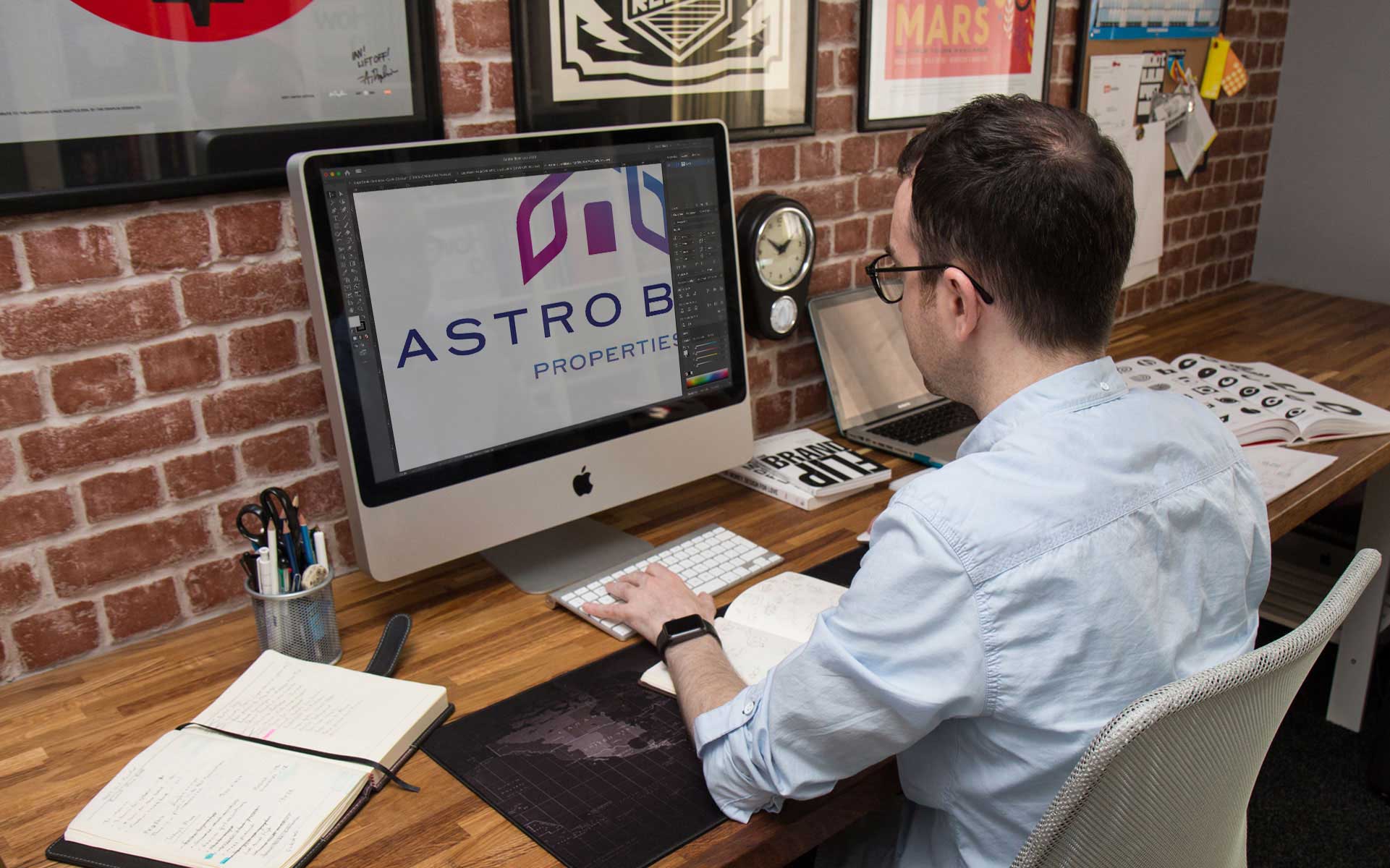
This isn’t an automatic conversion. It’s a skilled process of tracing, rebuilding, and refining every element of the design.
Each shape, letterform, and icon is recreated as clean vector paths. Colours are set to precise values – CMYK for print, RGB for screen, Pantone for brand consistency. The result is a fully scalable, fully editable logo that works across every application.
For most AI-generated logos, this process typically takes me 1 to 2 hours depending on complexity. At the end, you receive a comprehensive kit of logo files ready for any use, including .ai (master Adobe Illustrator file), .eps, .svg, .pdf, jpeg and PNG files with transparent backgrounds in multiple sizes, plus colour variants: full colour, inverted, reversed white, and single-colour black.
Does Your Design Need Tidying Up?
AI logo generators are impressively capable, but they don’t always get everything right. When recreating your logo in vector format, there’s a natural opportunity to refine and improve the design at the same time.
This might mean cleaning up inconsistent spacing, correcting optical imbalances, smoothing out shapes that look slightly off, or improving how typography sits alongside an icon. Small refinements like these can make a significant difference to how polished and professional the final result looks.
If you’d like any adjustments made during the vectorisation process, this can be discussed upfront. Sometimes a light touch is all it takes to transform a good concept into a great logo.
If you’re wondering what makes a great logo, and need honest practical advice, take a read though the Ultimate Guide to Logo Design I recently put together.
Is the Design Actually Working for Your Business?
Getting high resolution files is the practical question, but there’s a bigger strategic one worth asking: does your logo do its job? While AI tools are brilliant at generating imagery, they’re not designed to think strategically about your brand.
A truly effective logo needs to achieve something specific. Here are the questions worth asking:
Does it represent your company properly? A logo needs to communicate the right values, personality, and positioning… not just look nice. Does yours feel right for what you do and who you serve?
Does it differentiate you from competitors? AI tends to produce designs that lean towards the familiar and expected. Does your logo stand out, or does it blend in with every other business in your sector?
Can it be trademarked? Logos that are too generic, or that resemble existing marks, can’t be registered as trademarks, leaving your brand vulnerable. If protection matters to you, this is an important consideration.
My bespoke logo design process is built around answering these questions before a single shape is drawn. Every decision, form, colour, typography, style, is made in service of a clear goal. If you’ve got an AI-generated concept but want to know whether it’s truly fit for purpose, I’m happy to take a look and give you an honest assessment.
What to Expect: Time & Process
Every project starts with a quick conversation to understand your logo, your business, and what you’re hoping to achieve. Most projects fall into one of two paths:
Vectorisation & File Kit (typically 1–2 hours) Your existing AI design is professionally redrawn in Adobe Illustrator and delivered as a comprehensive file kit, ready for print, digital, embroidery, and everything in between. Light tidying is included.
Design Refinement or Redesign (quoted case by case) If the design needs more significant improvement, or if you’d like to start fresh with a goal-based approach, we can discuss scope, timeline, and investment before any work begins.
If you’re not sure which path is right for you, send me your logo and I’ll give you an honest assessment.
Ready to get professional files?
Send over your AI logo by email and I’ll come back to you with a straightforward recommendation and a quote. No obligation.